Import/Export Effects
Share complete effects with other users using .effect files.
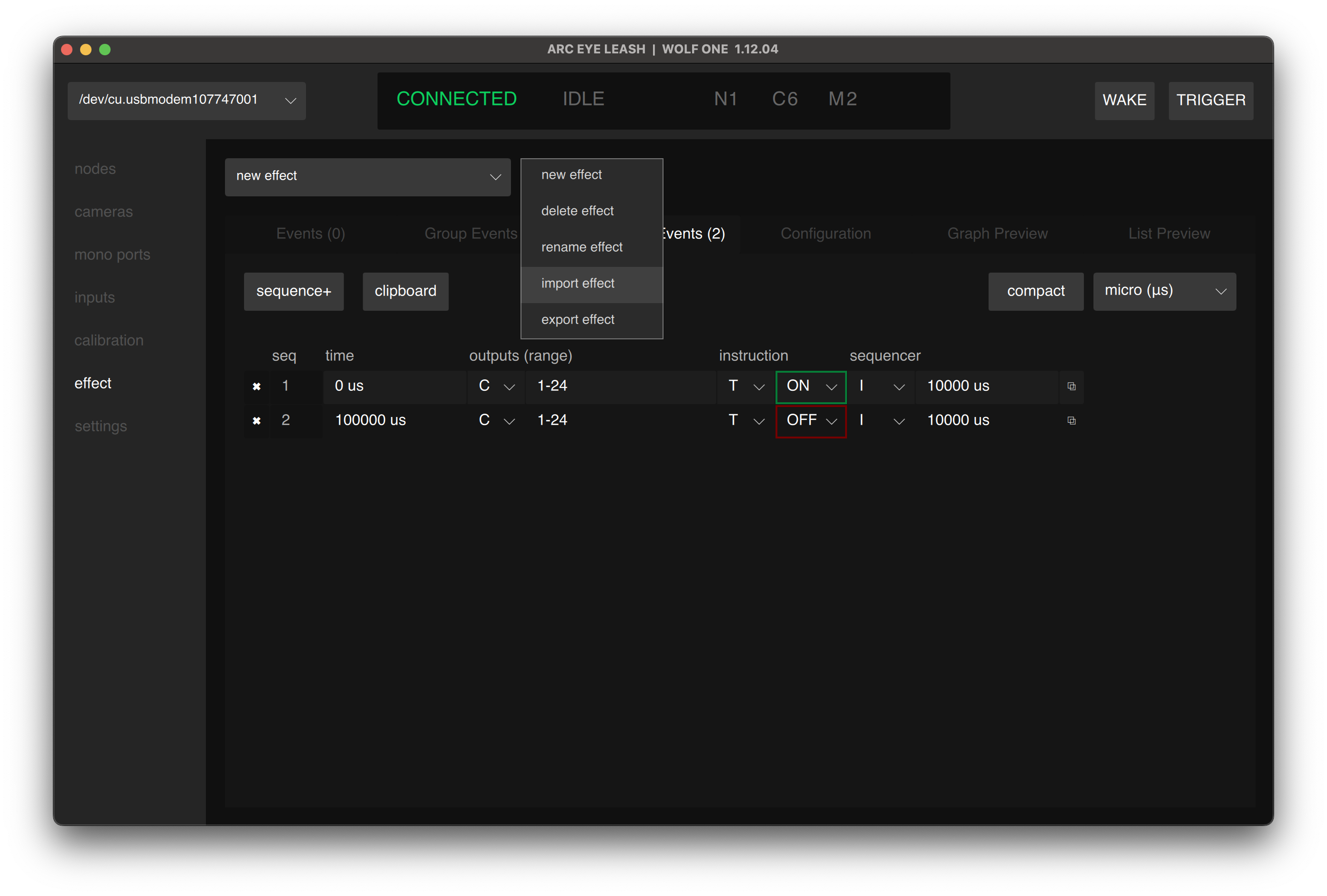
Export an Effect
- Open the effect you want to export
- Click Actions > Export Effect
- Choose a location and save the .effect file
Import an Effect
- Click Actions > Import Effect
- Select a .effect file from your computer
- The effect will be added to WOLF memory and selected
tip
Use import/export to share effects with other WOLF ONE users or to back up individual effects.
Having issues? See Troubleshooting