Your First Effect
Get started with the default effect and recommended settings.
Default Effect
The default effect is unison (protected). It triggers all available outputs together, in unison.
:::tip Start with Unison For many systems, the unison effect is enough to get started triggering multiple cameras together and syncing with strobes. See Camera Calibration for syncing with strobe and mixing different camera models. :::
Recommended Configuration
Protected effect events can not be manually edited, but you can adjust the effect settings in the Configuration tab. Navigate to the Effect Configuration page to customize protected effects.
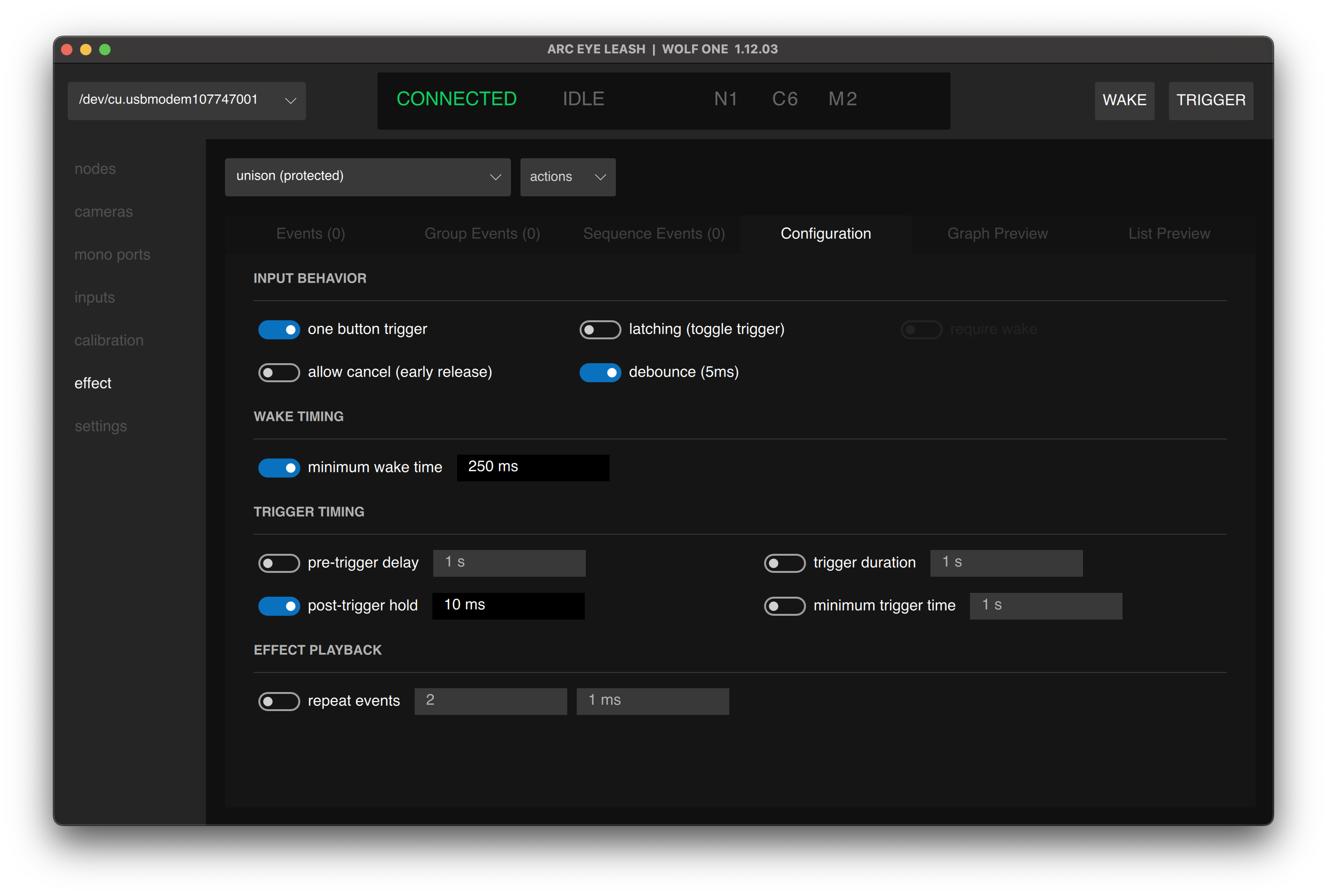
| Parameter | Value |
|---|---|
| One Button Trigger | ON |
| Debounce | ON |
| Minimum Wake Time | 250ms |
| Post-Trigger Hold | 10ms |
Press Enter/Return to confirm timing values after typing.
Testing Your Setup
- Select unison (protected) from the effect dropdown
- Apply the recommended configuration settings
- Tap Trigger to fire all cameras
Your cameras and strobes should fire together. For strobe sync perform a Camera Calibration →
Creating a Custom Effect
When you're ready to build a new effect with fully customized events:
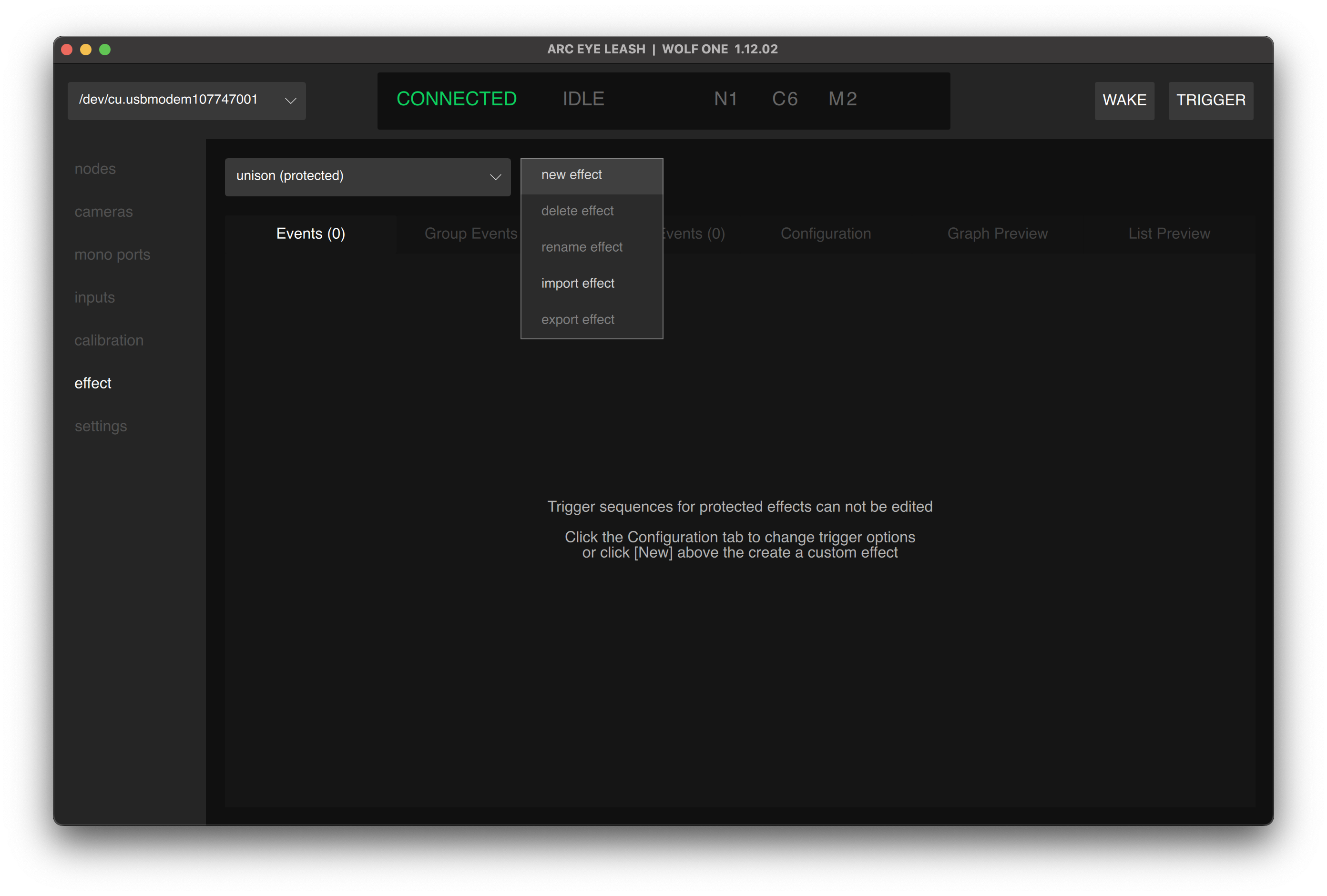
- Open the actions dropdown menu and select new effect
- Leash will automatically select the newly created effect
- Your new effect is completely empty and you'll need to add Events to trigger cameras and strobes.
new effect always duplicates the currently selected effect. Effects are saved to the WOLF node, not the computer.
Next Steps
Adding Custom Events:
Customizing Effects:
Having issues? See Troubleshooting