Flash Firmware
:::danger Critical Safety Warning Before flashing firmware, you MUST:
- ❗ Disconnect 24V DC bus power - USB power ONLY during flash
- ❗ Remove all connected devices - Flash nodes individually
- ❗ Do NOT disconnect USB during flash - Risk of permanent damage
- ❗ Be patient - Flash can take up to 1 minute, do not interrupt
Failure to follow these steps may brick your node and require factory service. :::
Firmware
- Connect the node you want to flash to the computer using the USB Type-C cable
- Open Leash app and connect to the node
- Navigate to the settings tab
- Confirm the node details are connect
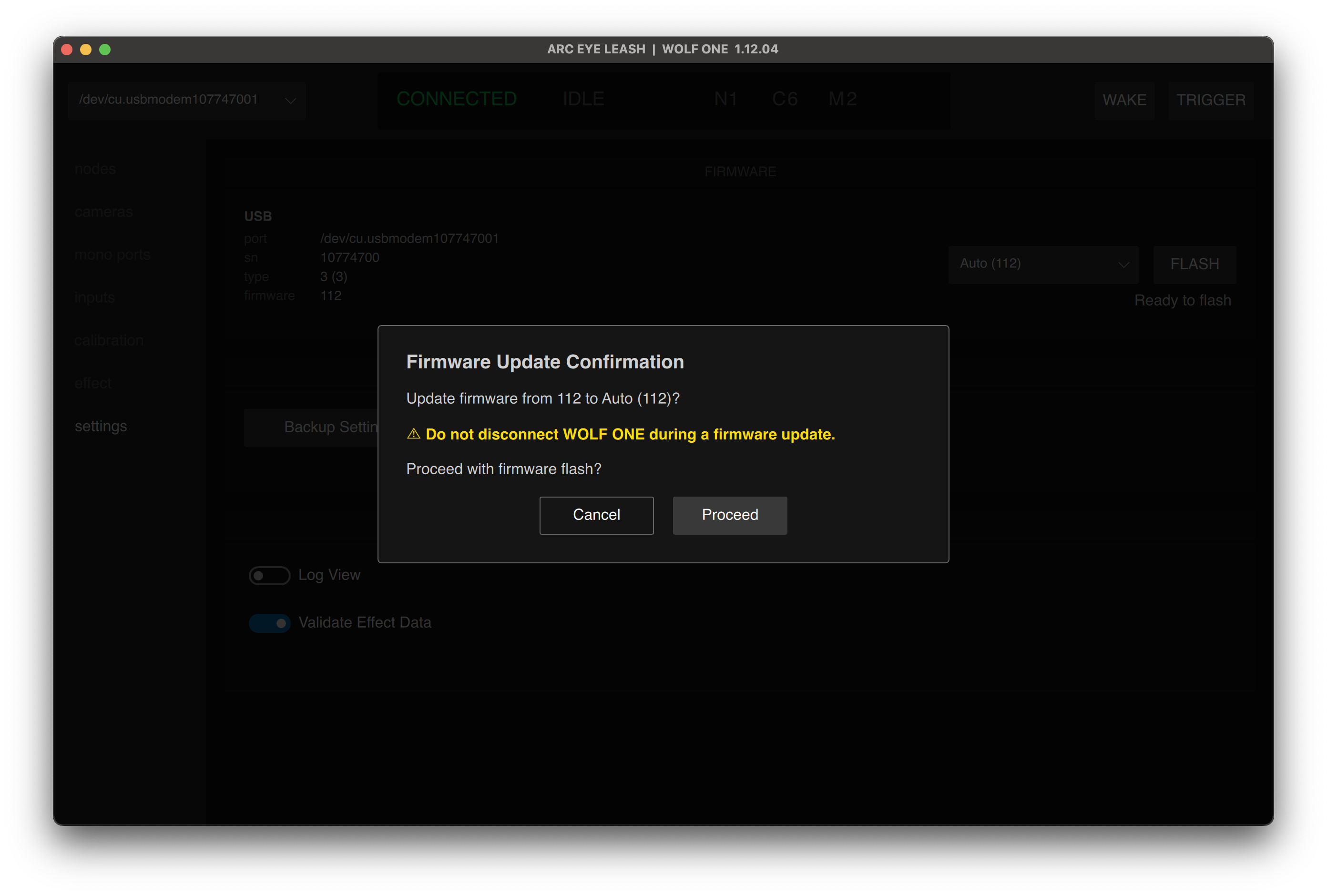
- Choose a firmware version. Auto mode will automatically select the best firmware file for your hardware.
- click FLASH
- After clicking FLASH, be patient. It can take up to a minute for the node to enter the correct mode. The node will automatically restart.
- confirm node firmware version is updated after it reconnects.
Troubleshooting
Firmware flash fails
-
Preparation:
- Disconnect 24V bus power
- Connect only USB Type-C
- Close other applications using serial port
-
Retry:
- Physically disconnect node
- Close and reopen Leash app
- Reconnect node
- Try again
-
Recovery:
- If node becomes unresponsive, contact support
Node says firmware version may be incorrect
- contact support
Node behaves erratically after update
- Reflash firmware
- Reset node settings to factory defaults
Having issues? See Troubleshooting