Leash App
Beoray Leash is your one stop shop for viewing, programming, calibrating and firmware flashing a single node or a complete system. Leash connects to the local node and automatically gains access to every other node in the extended HowlNET system.
Welcome Home
Beoray Leash app connected to Node 1 via a USB Type-C cable.
Node 2 is available via HowlNET.
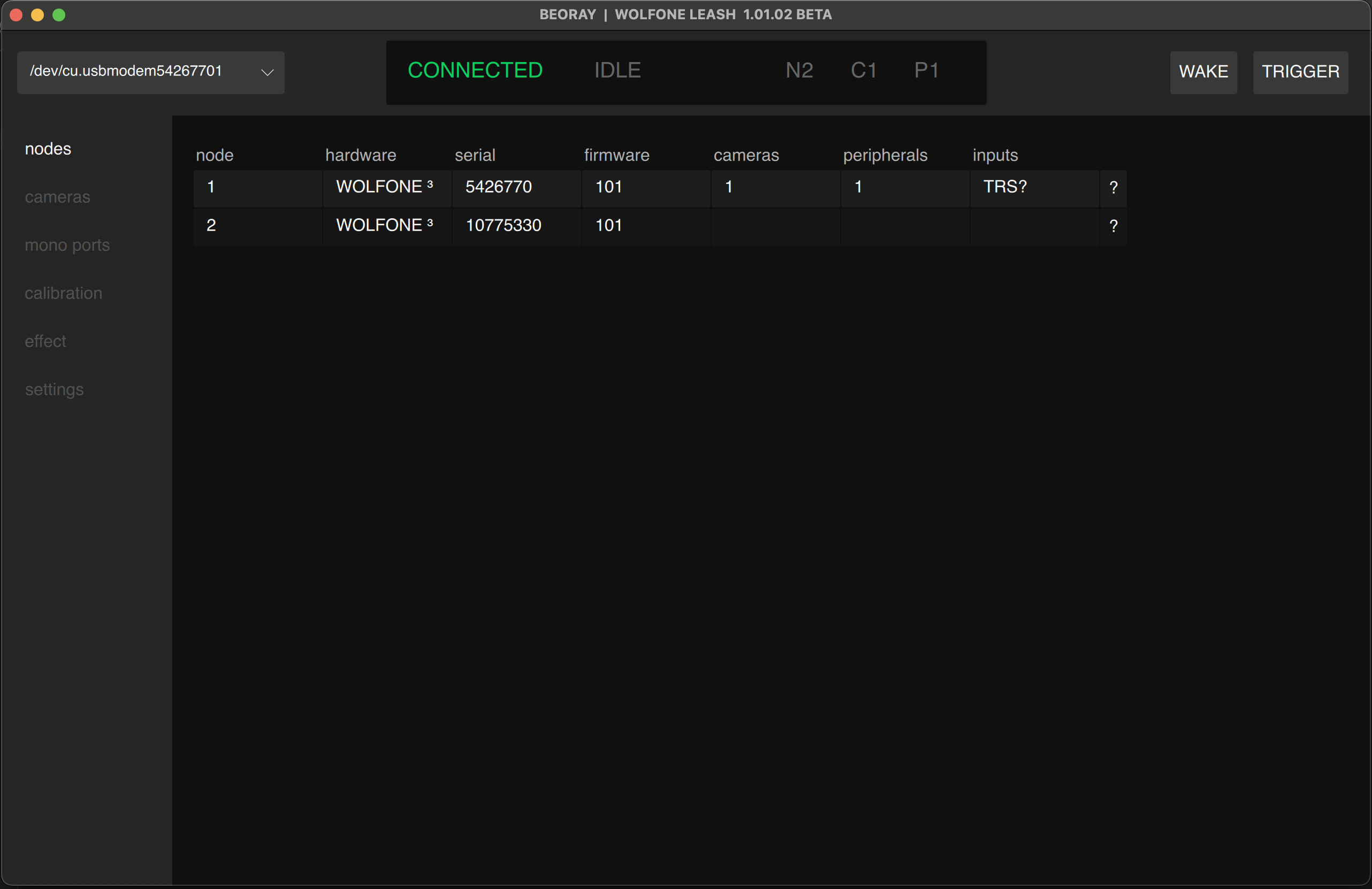
Top Bar
The top bar consists of 3 different sections

- Upper Left, USB connection
- lists the serial port / com port of the node.
- If a node is not detected, this box will be empty.
- If multiple nodes are connected to a computer you may switch between them here.
- Center, Status Bar
- CONNECTION status
- HowlNET status.
- IDLE (grey) = ready to trigger
- ORDERING / CALCULATING / CALIBRATING (blue) = not ready, running a routine
- WAKE / TRIGGER = effect active
- Right, Connected Devices
- NODES, CAMERAS, PERIPHERALS (mono ports)
Cameras Tab
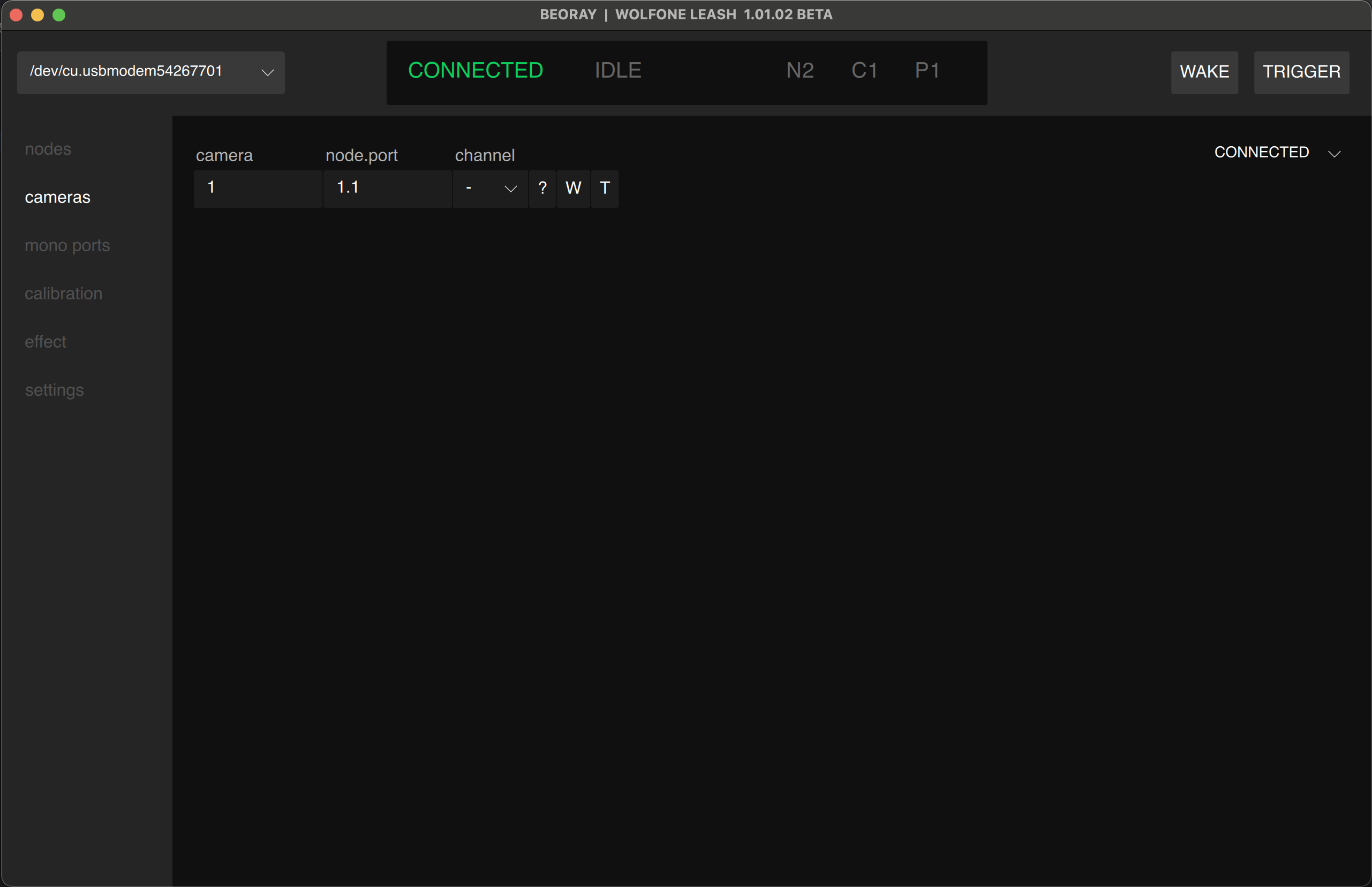
All cameras connected to every nodes are visible on the camera Tab. Camera number is automatically assigned, node.port is static mapping based on the node position.
Mono ports Tab
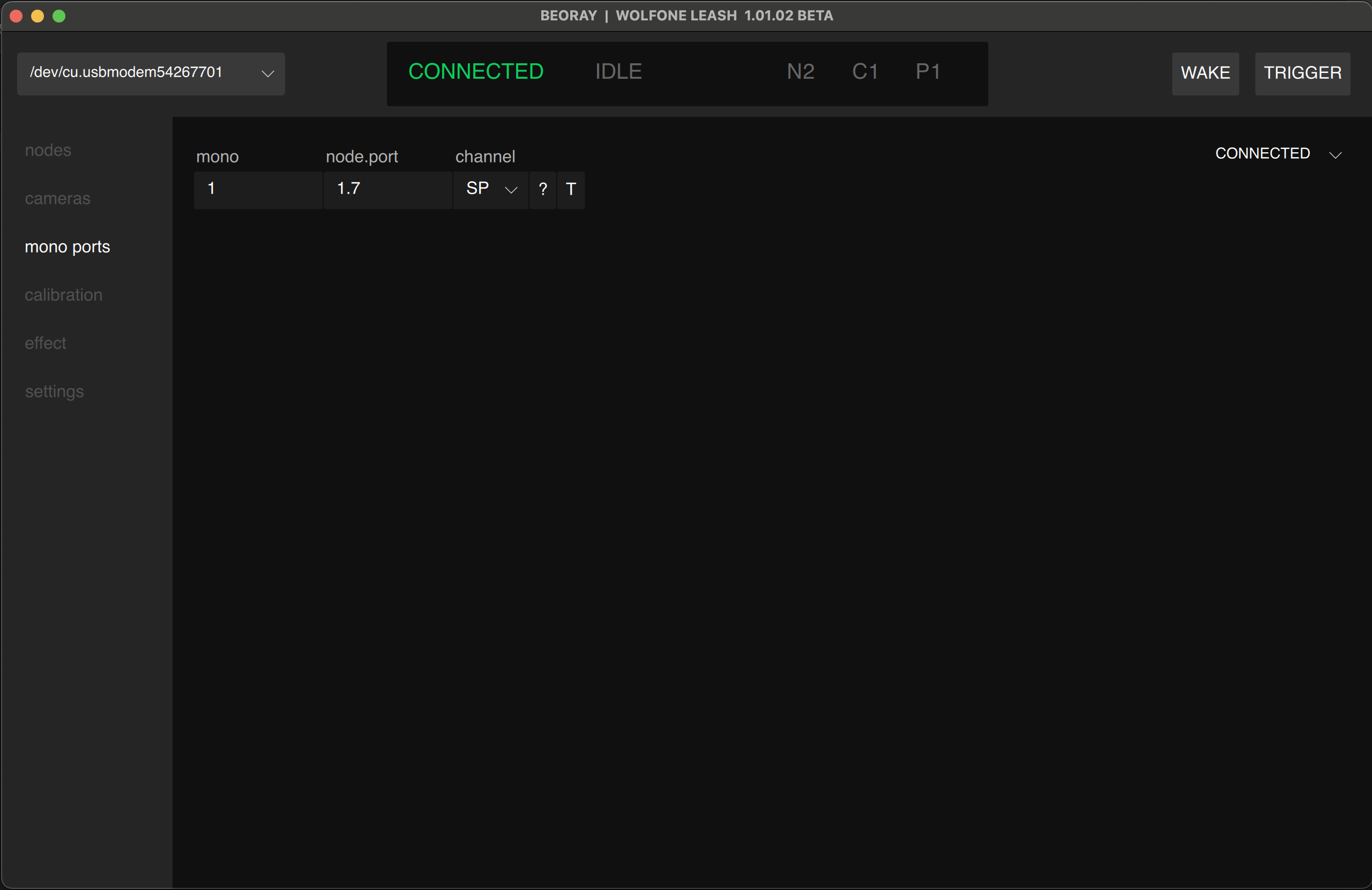
Mono ports are generally used for strobe/flash lighting. It may be used to trigger other devices. Mono number is automatically assigned, node.port is static mapping based on the node position.
Calibration Tab
The calibration tab synchronizes cameras with ease. The channels A,B,C,D,E,F and SP (syncpoint) are linked to the calibration channels visible on the camera and mono page.
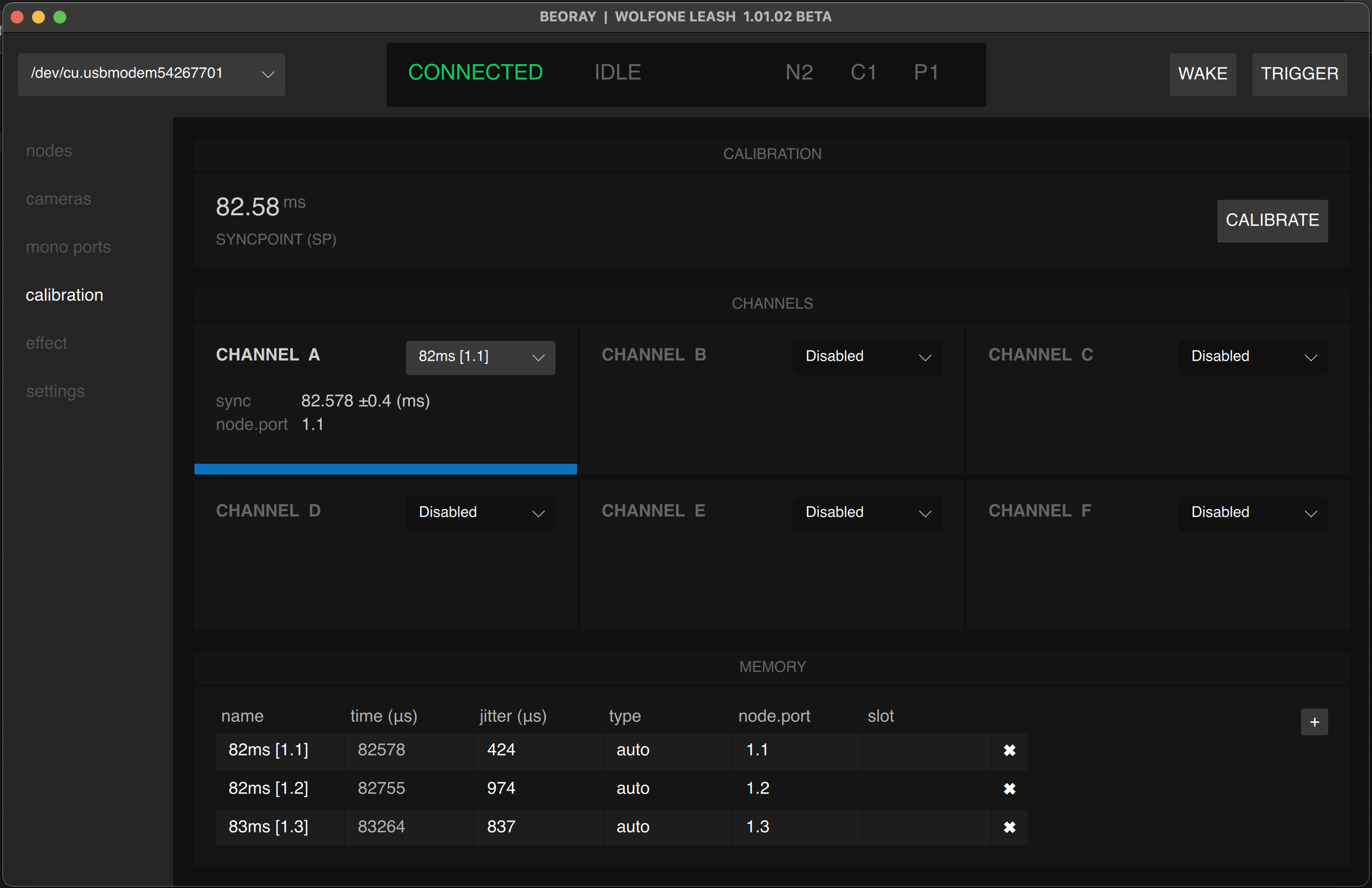
For a guide on how to use camera calibration, click here.
Effect Tab
Use the Effect page to create intelligent triggering events. Effects are stored on the node and are unique to each device. When the node is disconnected from Leash it will continue to execute the effect uninterrupted. Some effects will automatically adapt to cameras and strobes being connected, disconnected, and rearranged.
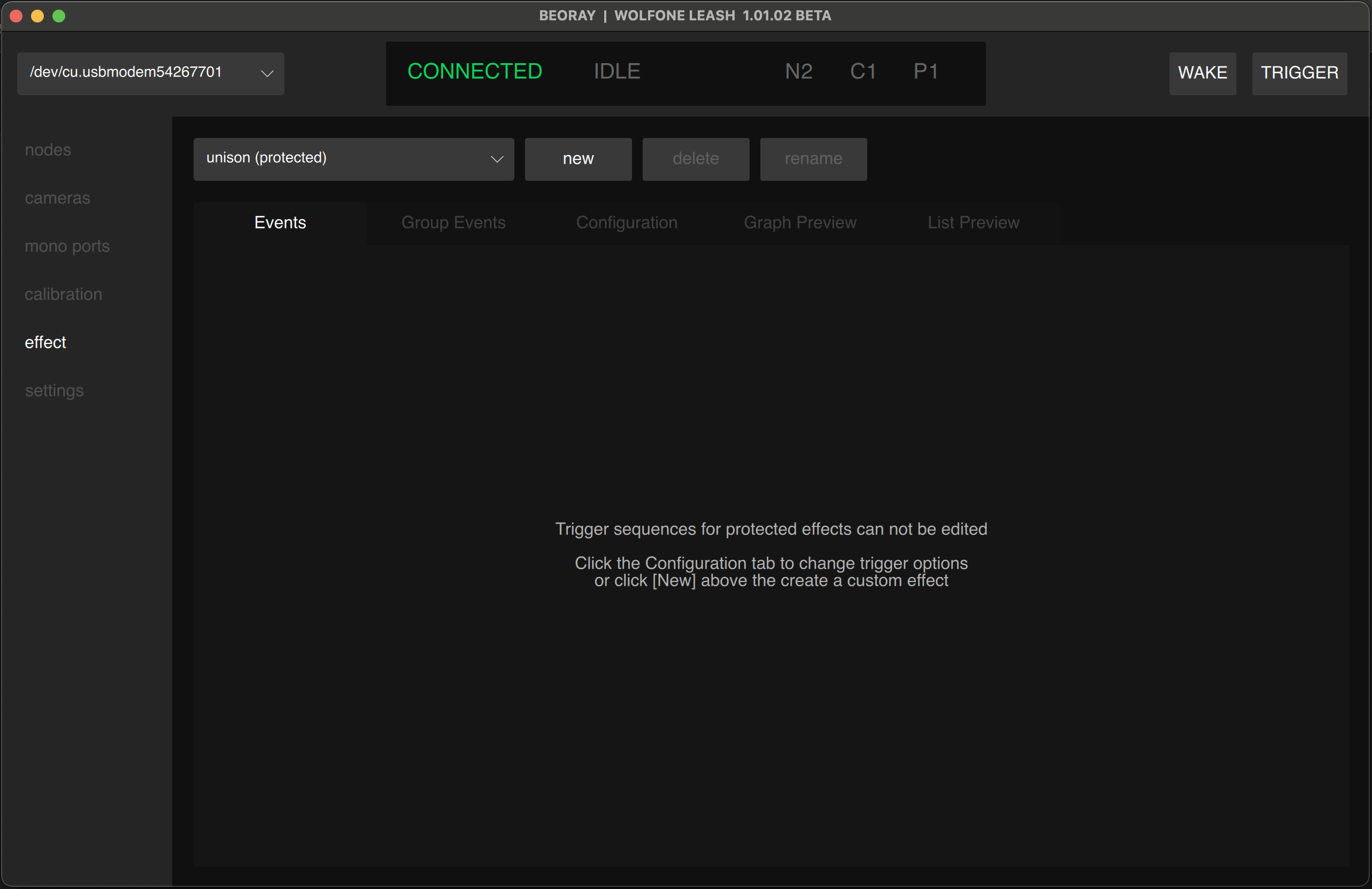
Check the effect building page for more details
Settings Tab
Use the settings tab to verify the details of the USB connected node and flash node firmware.
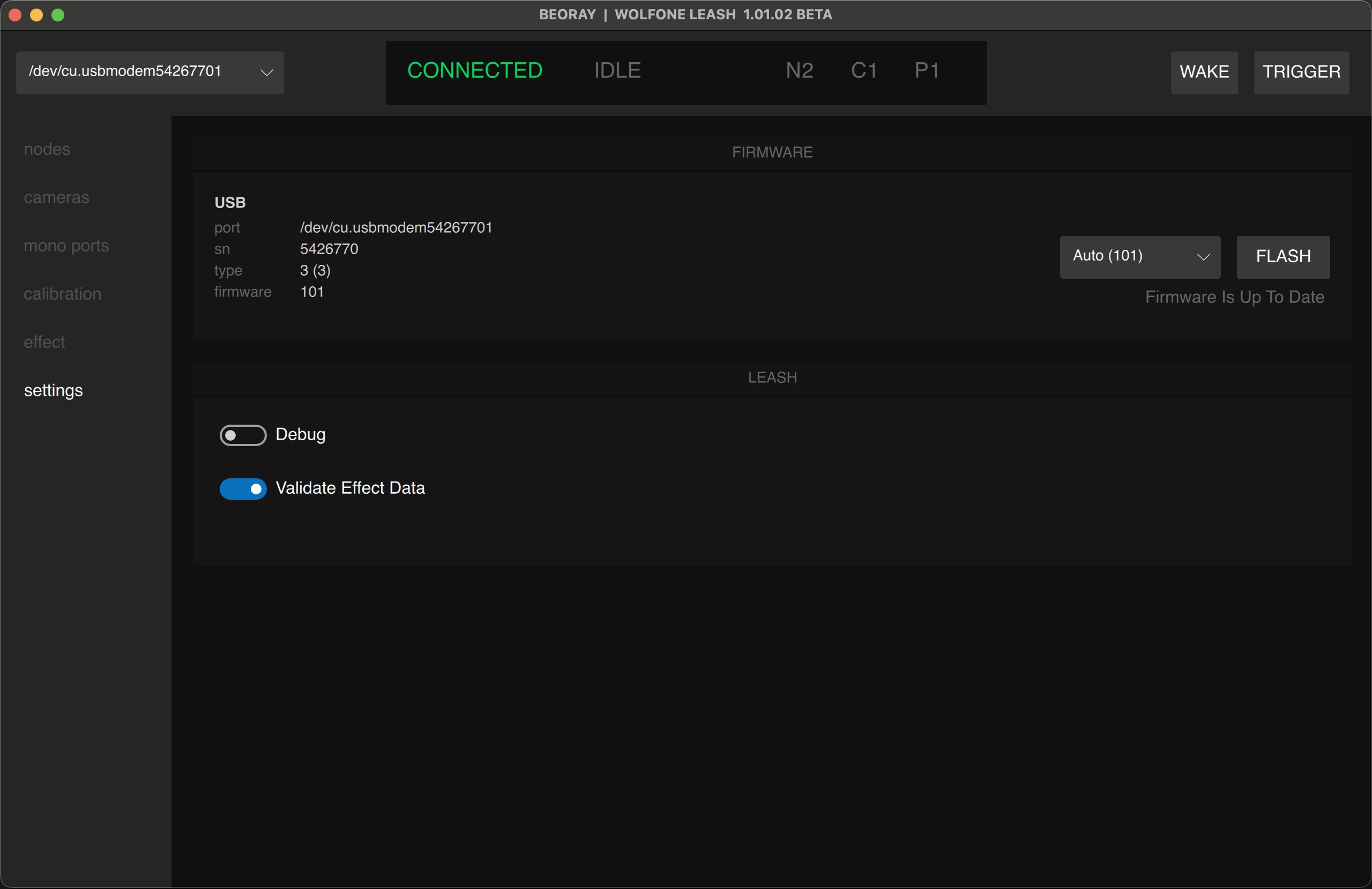
See the firmware flash guide below for details on how to flash new firmware.