Effect Overview
Effects can be selected, edited, exported, imported, inspected, and previewed on the effect page.
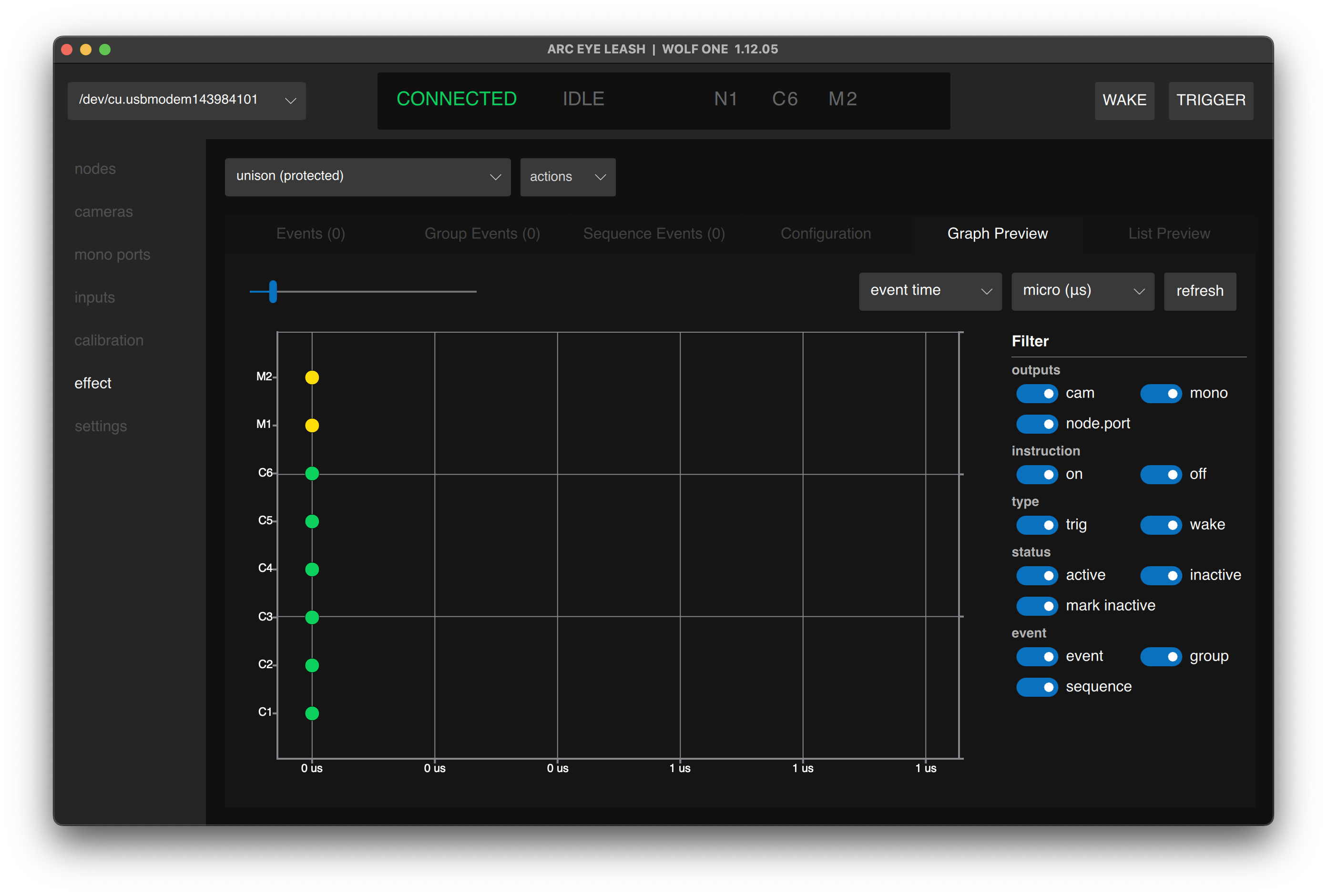
Getting Started
- Your First Effect - Start with the default unison effect
- Effect Configuration - Configure timing and input behavior
Event Types
Build custom effects using three event types:
| Type | Description |
|---|---|
| Standard Events | Individual triggers with precise timing |
| Group Events | Trigger multiple cameras in unison |
| Sequence Events | Trigger cameras sequentially |
For large effects, see Complex Event Programming to use spreadsheet import/export.
Troubleshooting
Effect not executing
- Verify effect is loaded (check Effect tab)
- Ensure nodes are in IDLE state
- Check effect configuration settings
- Try the default "unison (protected)" effect
- Ensure cameras are waked before triggering
Cameras trigger out of order
- Verify event timing in effect builder
- Verify calibration is applied to all cameras
- Ensure cameras are assigned to correct ports
- Ensure cameras are waked before triggering
Effect timing is wrong
- Review event timestamps in effect builder
- Check that calibration values are correct
- Verify minimum trigger time settings
- Ensure cameras are waked before triggering
Next Step
Having issues? See Troubleshooting