Arc Eye WOLF ONE User Guide
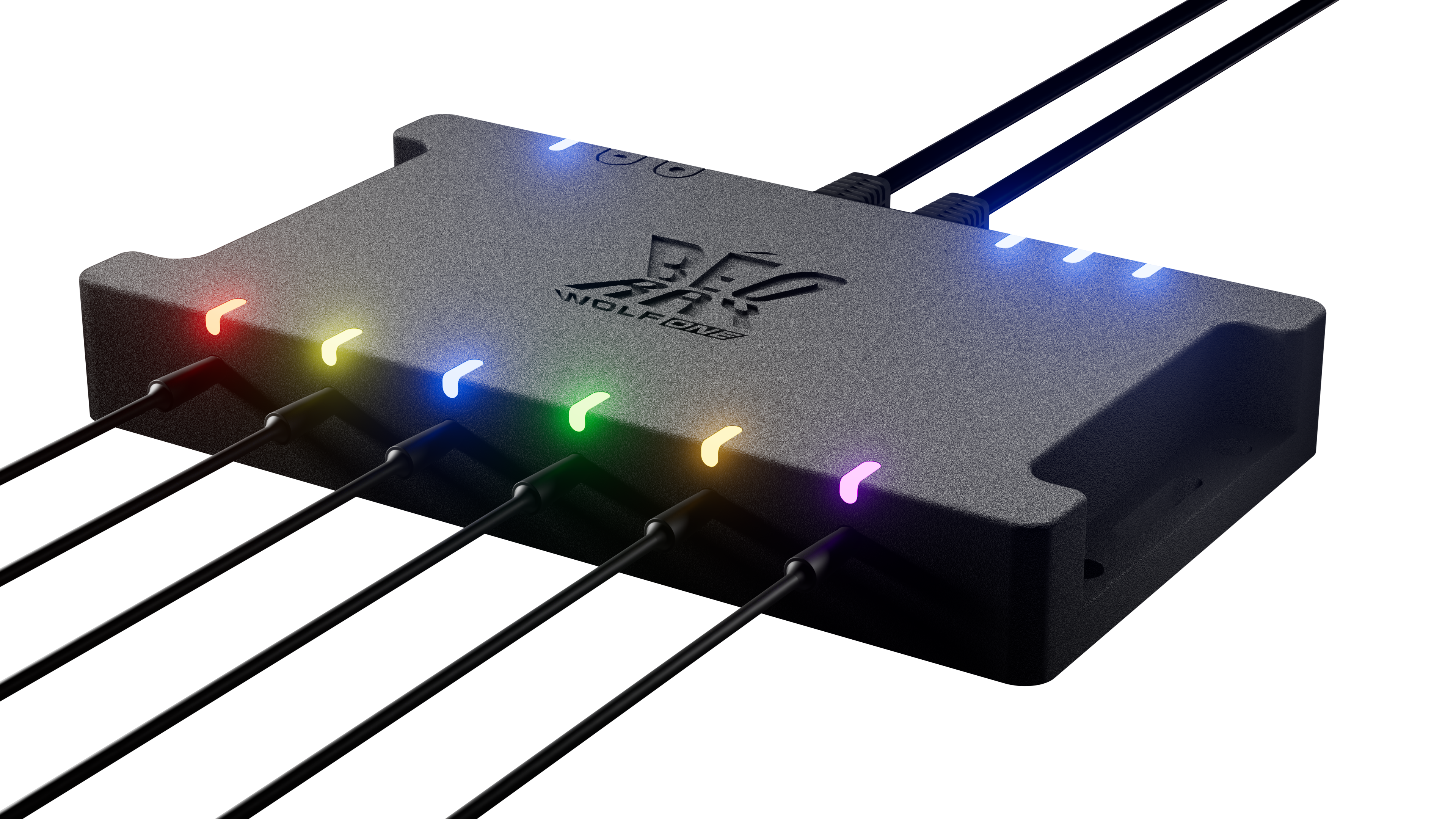
Intelligent camera sync system for 3D scanning, Bullet-time, and VFX.
WOLF ONE Features
- Precise timing - ±5µs trigger accuracy across all cameras
- Automated camera calibration - Sync cameras of different makes and models
- Self-contained architecture - Works without a active computer connection
WOLF ONE is Powered by HowlNET
- Power, Event Data, and Sync in one daisy-chained cable
- Drop-in hardware replacement - Nodes are automatically recognized
- Up to 100m (328 ft) cables run between nodes
HowlNET is Configured with Leash
- Powerful effect building - Create complex trigger sequences
- Control all nodes from a single USB connection
- Full macOS & Windows desktop support
- Real-time monitoring - See all devices across entire network
Start Here
- Safety Information - Read important safety guidelines first
- What You Need - Check equipment requirements and shopping list
- Quick Start - Get up and running in 5 minutes
- Getting Started - Complete setup guide for multi-node systems
- Troubleshooting - Common issues and solutions
Hardware
- Hardware Overview - Specifications and capabilities
- Port Reference - Detailed port information and pinouts
- Wiring Diagrams - Connection diagrams and cable specs
Software & Desktop App
- Leash Overview - Desktop software guide
- Effect Building - Create custom trigger sequences
- Your First Effect - Start with the default effect
- Effect Configuration - Configure effect options
- Standard Events - Individual triggers with precise timing
- Group Events - Trigger multiple cameras in unison
- Sequence Events - Trigger cameras sequentially
- Complex Events - Spreadsheet import/export
- Camera Calibration - Sync cameras with different timing
- HowlNET Overview - Understanding the network standard
- Flash Firmware - Update node firmware
- Changelog - Version history and updates
Typical Workflows
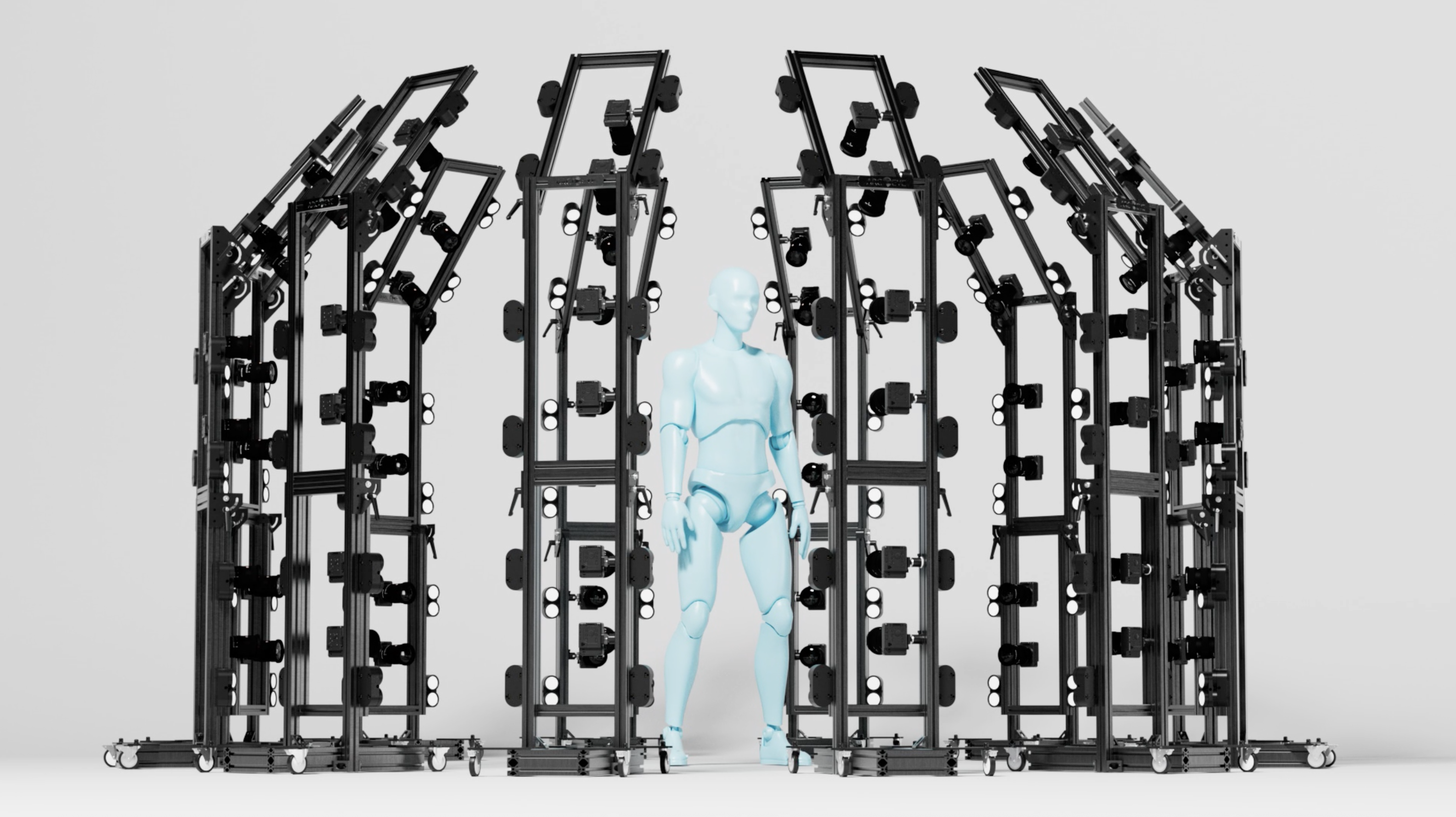
3D Scanning with Strobe
- Connect cameras to camera ports
- Connect strobes to mono ports
- Calibrate cameras if needed
- Trigger from any input method
Bullet-Time
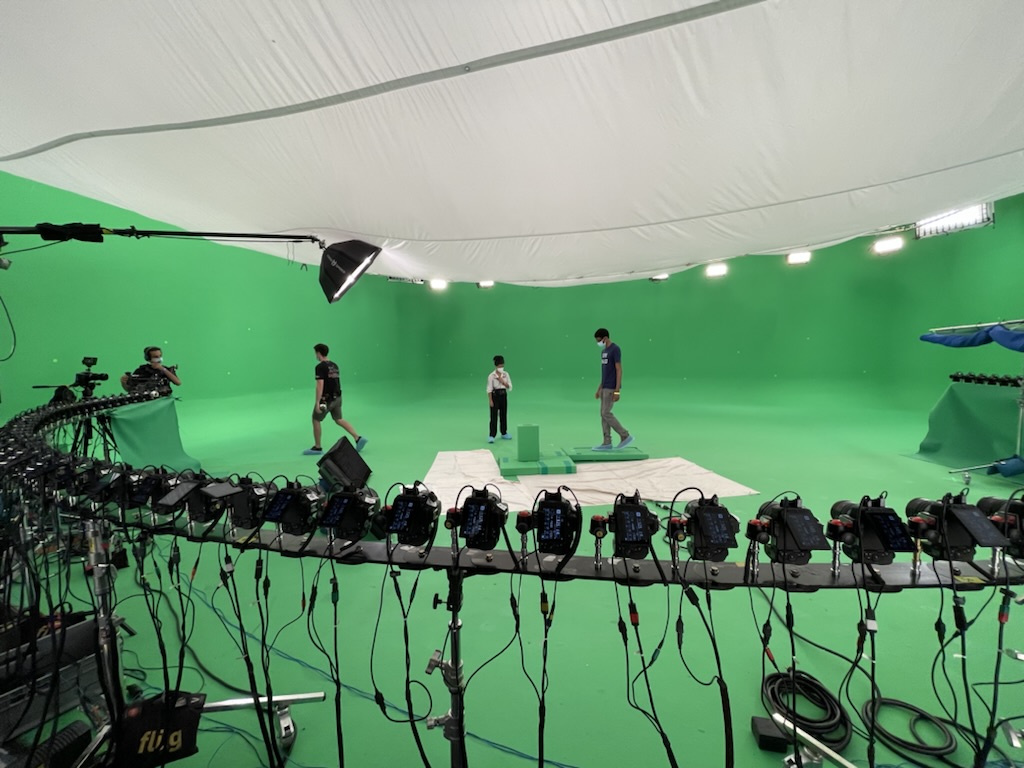
- Daisy-chain nodes with HowlNET
- Connect cameras to all ports
- Run calibration for different camera models
- Build sequential trigger effect
- Trigger from any input method
OLAT Capture
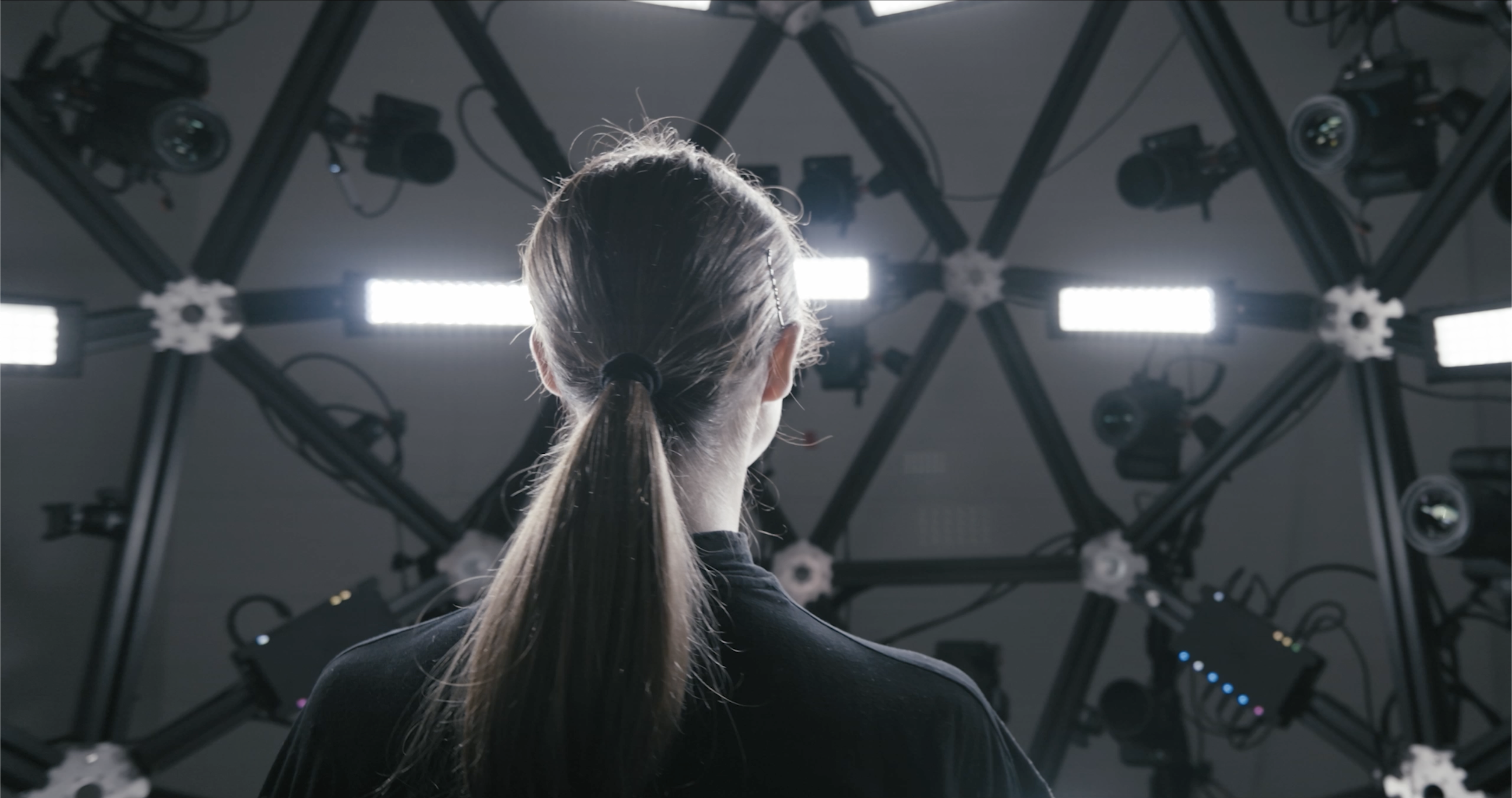
- Daisy-chain nodes with HowlNET
- Connect cameras to all ports
- Run calibration for different camera models
- Build sequential trigger effect
- Pulse LED Light output
- Trigger from any input method
Next Steps
Ready to get started? → Quick Start Guide
Need detailed setup? → Getting Started
Have questions? → Troubleshooting
Arc Eye Website → arceye.com